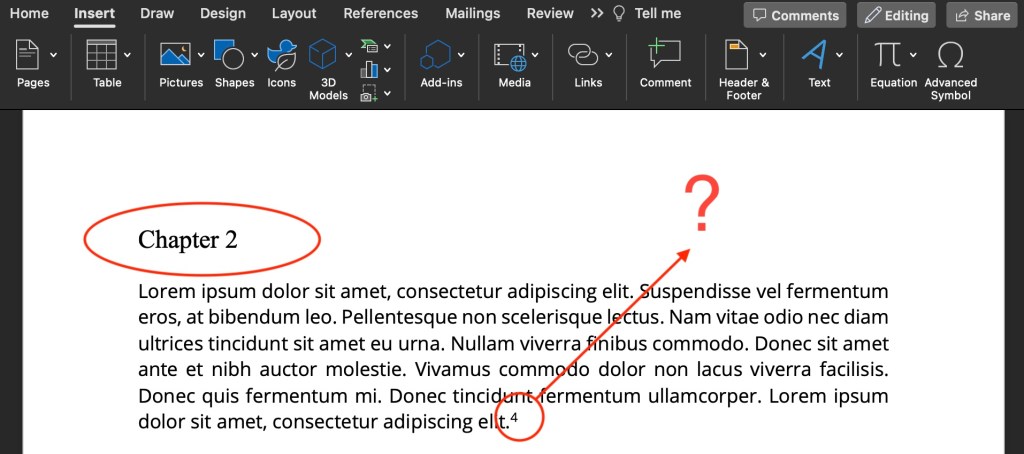
Chapter 3 should not start with footnote 38!
Footnotes should begin at 1 in each new chapter. Without section breaks, your footnotes will continuously count upward across the entire document.
How do you get footnotes to restart in a new chapter?
how to restart footnotes
- Put your cursor at the start of the chapter
- In the Menu Bar, click Insert > Break > Section Break (Continuous)

Nothing will happen yet, but know that there is an invisible section break there. Repeat these steps for all chapters.
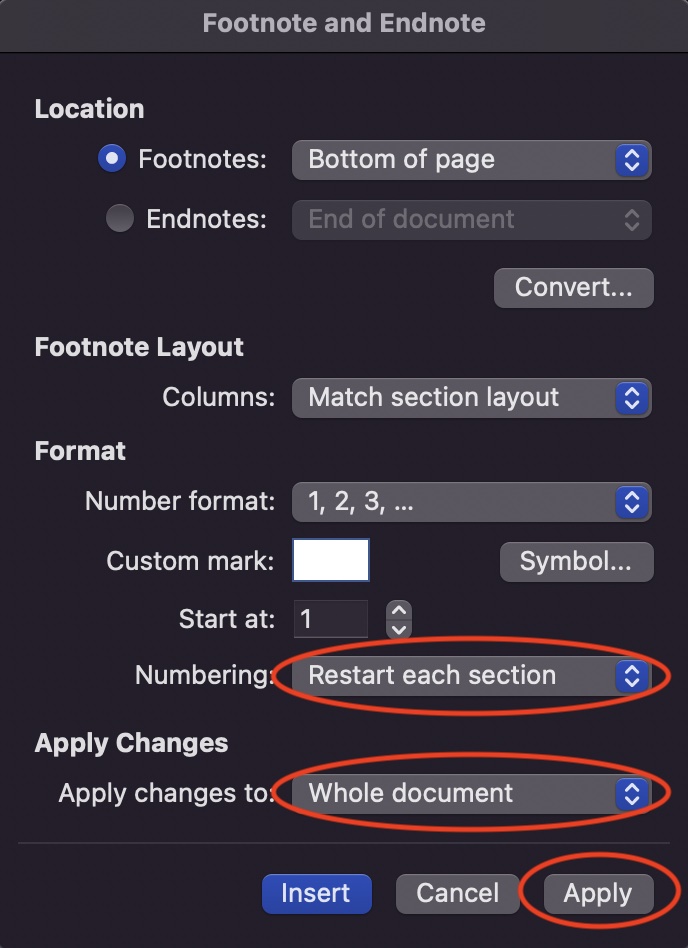
Next, set the footnotes formatting:
- Click Insert > Footnote (don’t worry, you’re not actually going to insert a footnote)
- Under Numbering, select Restart each section
- Under Apply changes to, select Whole document
- Click Apply
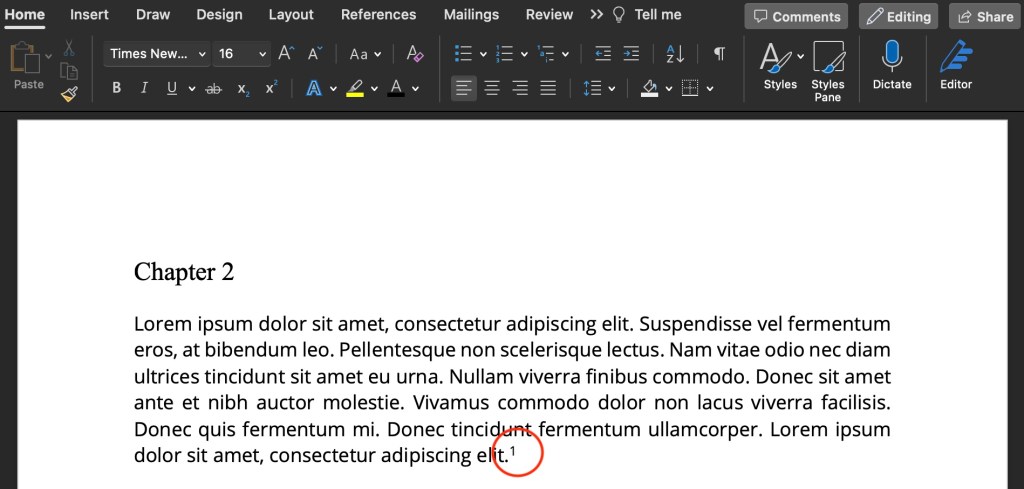
That’s it!

 TARYN SIROVE